Export Strava & Komoot as GPX
Download your own Strava and Komoot activities, routes and planned tours — including private ones — as standard GPX files. Get your rides, runs and hikes onto a Garmin, Wahoo, GPS watch or any app that reads GPX. Free Android app.

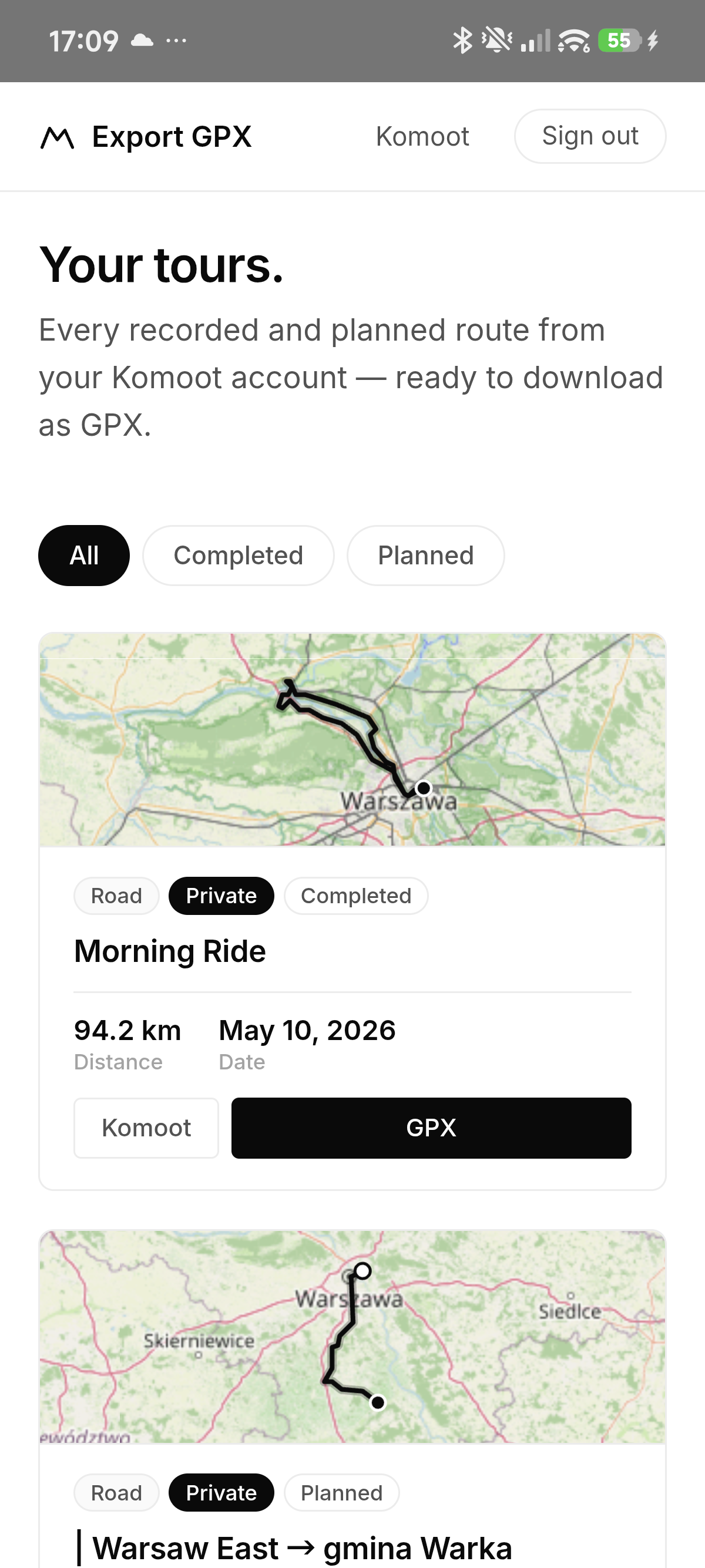
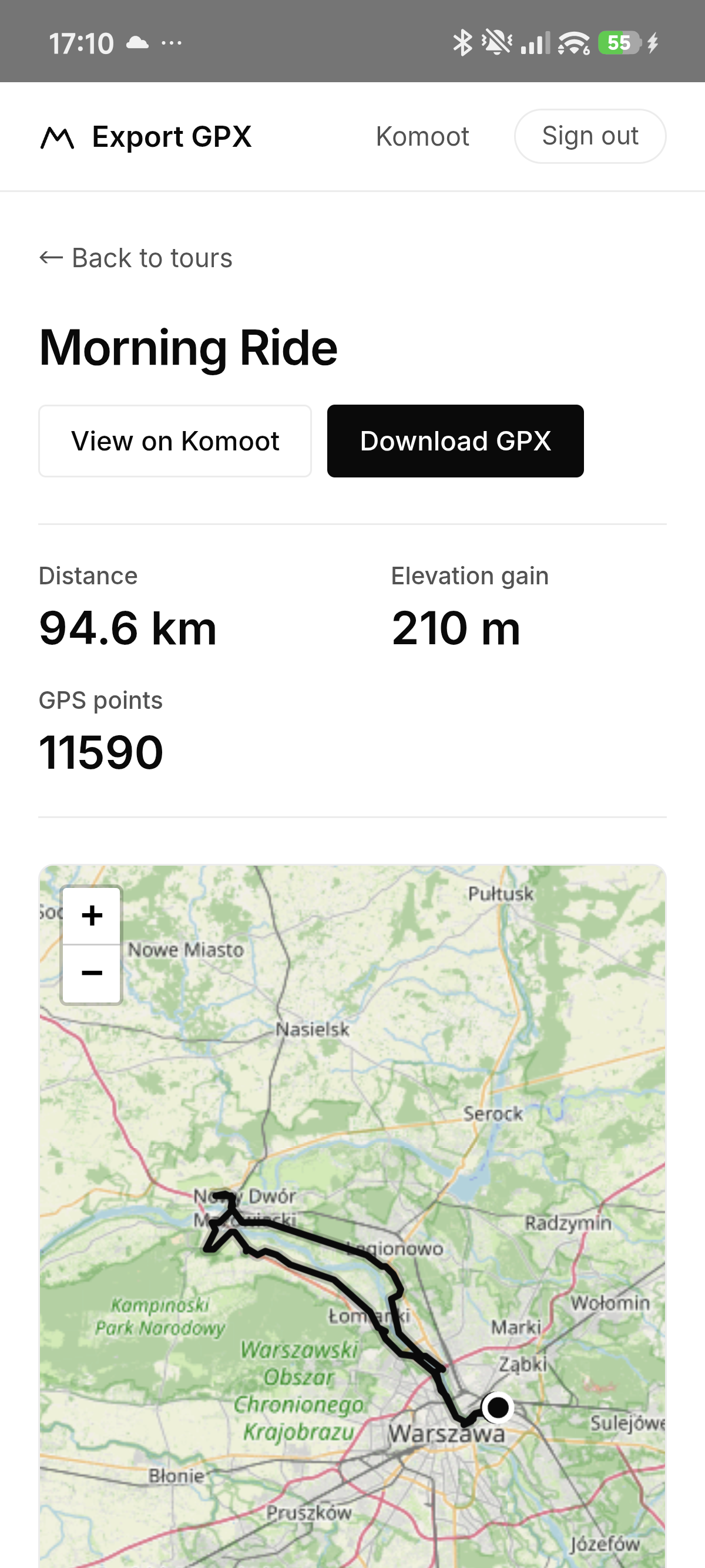
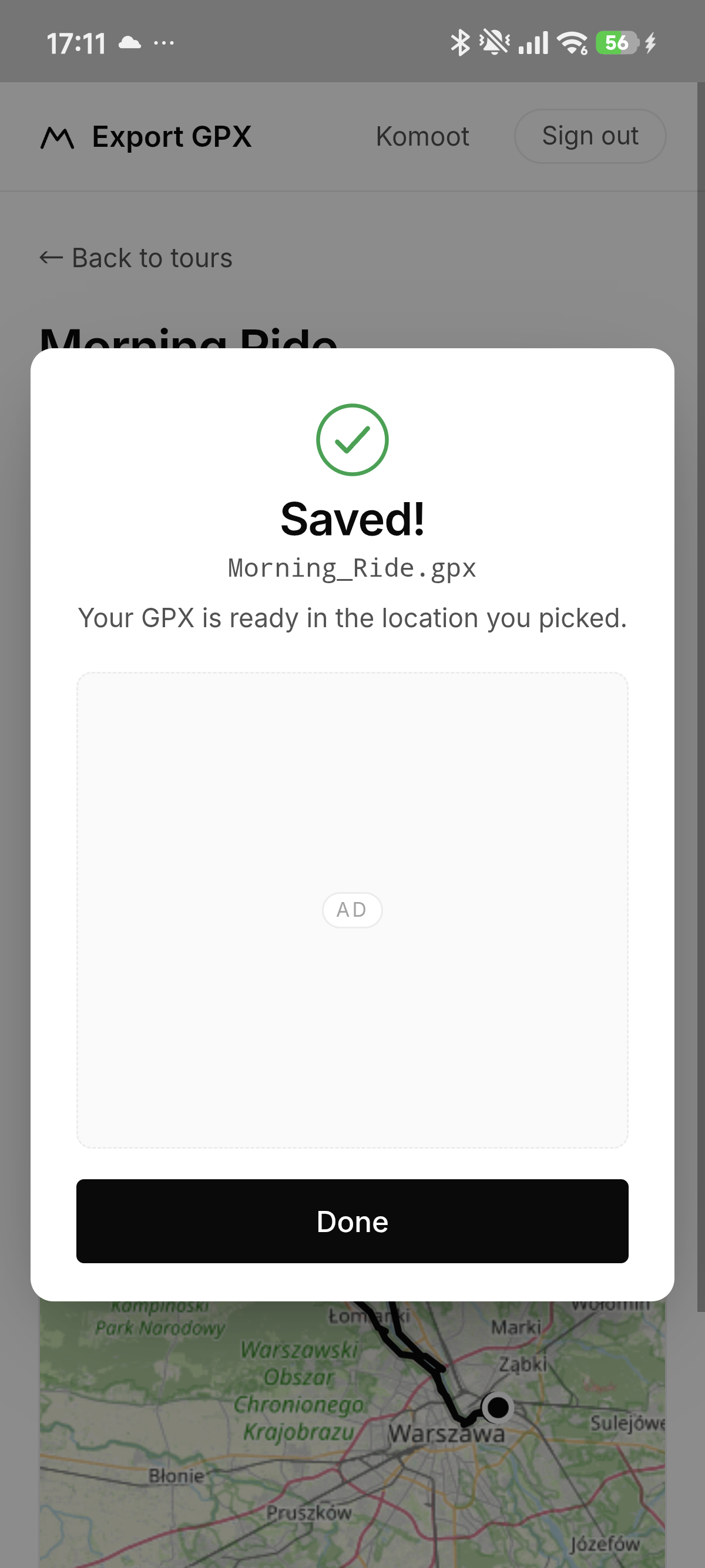
How it works
Guides
Frequently asked questions
How do I export a GPX from Strava or Komoot?
Install Export GPX, sign in with your Strava or Komoot account, open any activity, route or tour and tap GPX. The file is saved wherever you choose — Downloads, Google Drive or Dropbox.
Does it work with private activities and tours?
Yes. You sign in with your own account, so the app sees exactly what you see — recorded and planned, public and private.
Can I get my route onto a Garmin or Wahoo?
Yes — export it as GPX, then import it into Garmin Connect (Courses) or the Wahoo ELEMNT app. Works with Hammerhead, Bryton, Coros, Suunto, OsmAnd, Locus Map, Gaia GPS and more.
Is it free?
Yes — the app is free and shows a small banner ad.